
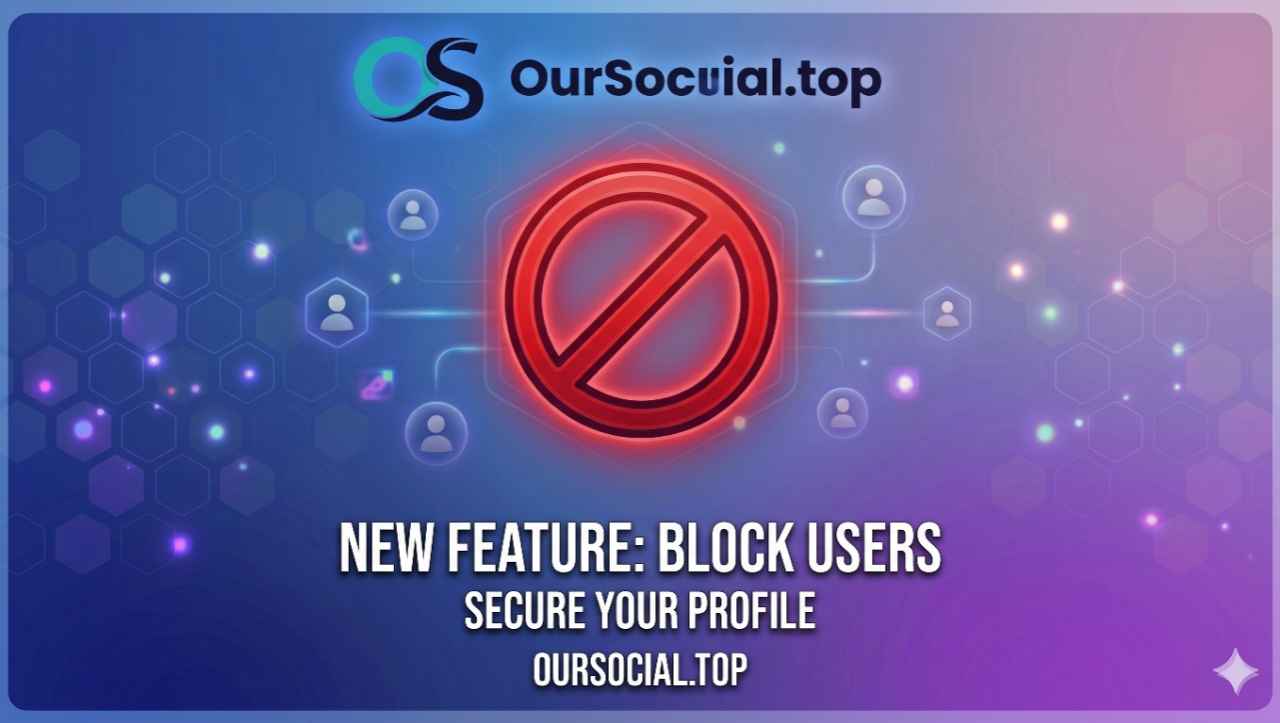
#New Update: Block System is Now Live!
You can now block any user on the platform.
How to Block Someone:
Go to the user's profile.
Click on the "More" button next to their name.
Select "Block this User".
Click "Confirm". That's it!
What happens when you block someone?
They will not be able to see your profile, view your posts, or send you messages.
If you were friends, you will be automatically unfriended.
How to Unblock:
Go to Menu → Blocked Users to manage your blocked list.
 May 27, 2026, 4:36 pm · 219 Views · Public






Leave a Comment
Login to leave a comment.